 Blog
Blog 


 Typical Sicilian products
 Citrus fruits
 Sicilian Oranges
 Mandarins and Clementines
 Citrus
 Fruits and Vegetables
 Dried Fruits
 Exotic Fruits
 Sicilian Fruits
 Organic Fruit Juice
 Herbs and Spices
 Mammarancia Selection
 Beer and Liquor
 Jam and Honey
 Sicilian Pistachio
 Sicilian Olive Oil
 Sweets and Creams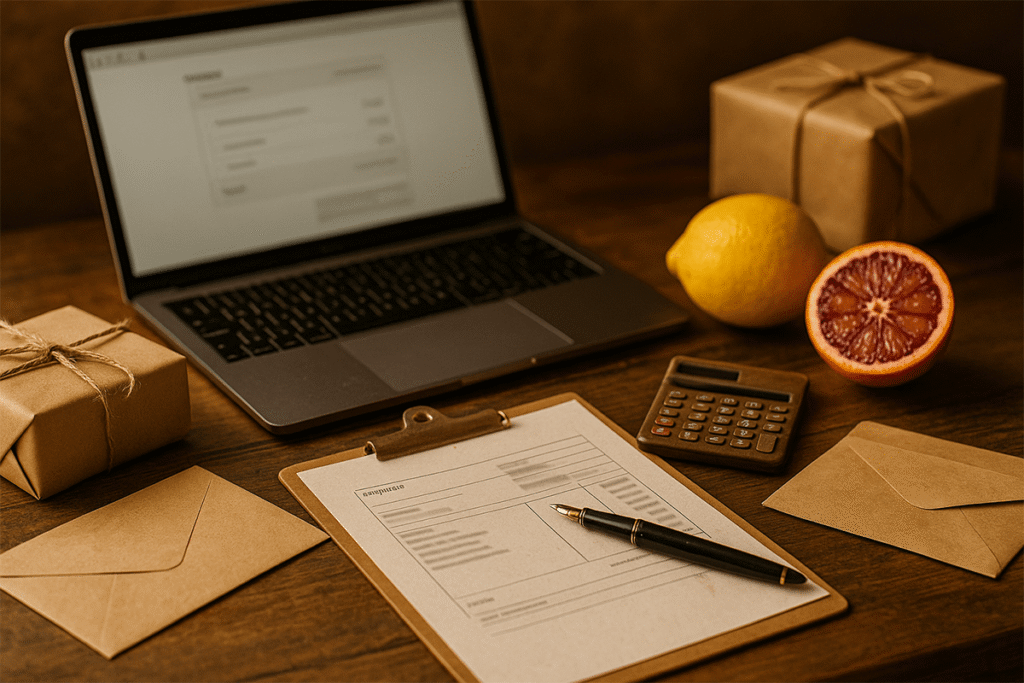
In this self-invoicing guide, you will find step-by-step instructions on how to request an electronic invoice at checkout, what information is required, and how to receive it via email and through the SdI (Italian Tax Authority).
What (really) is self-invoicing on Mammarancia
At checkout, you will find the option ‘Would you like to receive an invoice?’ By selecting this option, you can enter your billing information to receive an electronic invoice in accordance with Italian law. On this page, we call it ‘self-invoicing’ as reported in the internal help section and in the site’s operating instructions.
Quick guide: step-by-step self-invoicing request
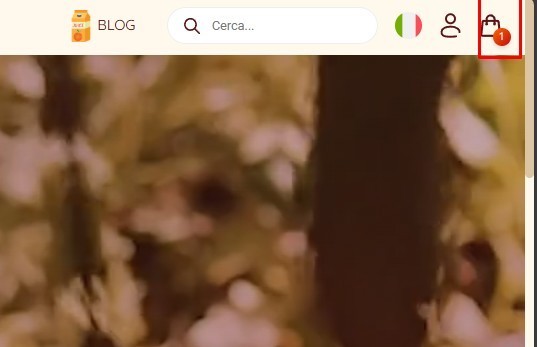
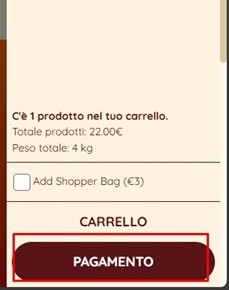
1. Add the products to your cart and click on ‘Proceed to payment’.
2. Tick ‘Would you like to receive an invoice?’ to activate the billing fields.
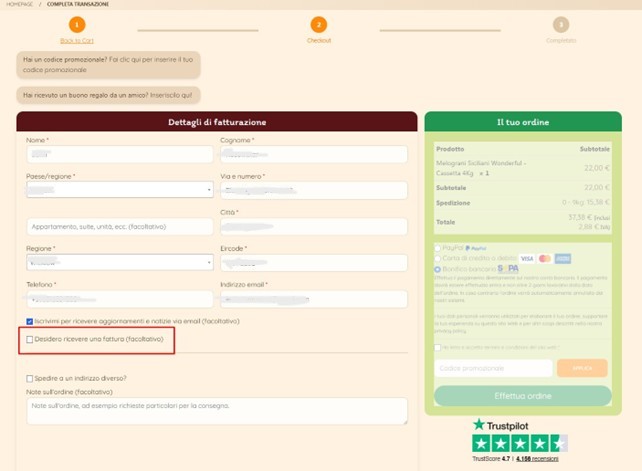
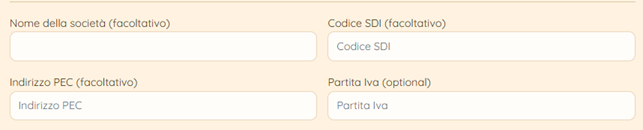
3. Fill in the details carefully (see list below).
4. Confirm your order: accept the Terms and click on ‘Place order’. The invoice will be issued automatically after verification.
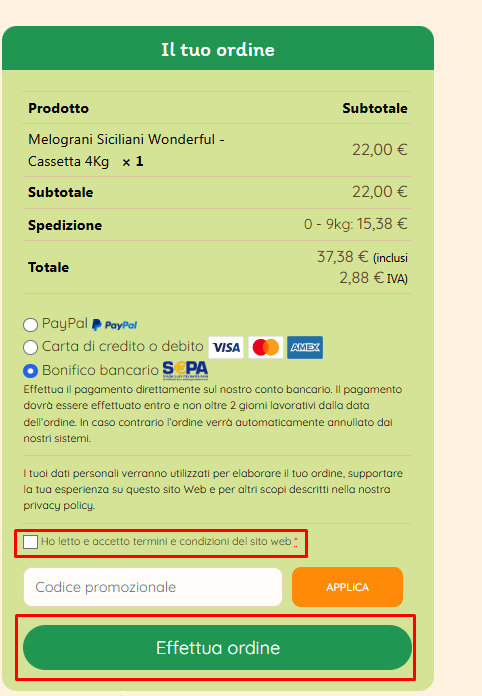
Details required for self-invoicing requests
• Company name
• VAT number
• Tax code
• Certified e-mail address (PEC) or recipient code
• Full billing address
Tip: check that your certified e-mail address/recipient code and VAT number are correct to avoid delays in SDI delivery.
How you will receive your electronic invoice
• by e-mail to the address entered at checkout;
• via SdI to the certified e-mail address or recipient code provided.
Common errors (and how to avoid them)
• Incorrect or inactive certified email address → double-check before completing your order.
• Missing recipient code (for companies with an accredited channel) → enter it; alternatively, use your certified email address.
• Incomplete tax information (company name, VAT number/tax code) → mandatory fields.
FAQs on self-billing
• Can I request an invoice after completing my order?
The quickest way is to select the option at checkout and fill in all the tax fields immediately. If necessary, write to us with your order number and complete details.
• Where will I receive the invoice?
To the email address entered when placing the order and, at the same time, via SdI to your certified email address/recipient code.
• Who can I contact for support?
Our customer support: info@mammarancia.com
Assistance and contacts
If you have any questions about self-billing requests or sending via SdI, please write to info@mammarancia.com: we will help you verify your details and complete the procedure smoothly.
Conclusion
Is everything ready? Return to your shopping cart, activate “Would you like to receive an invoice?”, enter your complete tax details and confirm your order. If you need any help, please write to us: we are here to assist you.
READ ALSO
Difference between lime and lemon: characteristics, taste and uses in cooking
Organic Feminello Lemons: A Guide to the Different Varieties
Tart with Sicilian lemons: fragrance and taste of tradition
Bitter orange marmalade: the Sicilian recipe
Why are Tarocco oranges less red at the beginning of the season